Enable and configure a kitchen display station.
Free Restaurant Billing · Kitchen Display
Kitchen Display System for Restaurant Orders
Track food-preparation tickets in a digital kitchen workflow connected to supported orders.
Kitchen workflow · Illustrated journey
A clearer connection between table and kitchen
Give food preparation a shared digital view of incoming, preparing and completed orders.
What this solves
A simpler way to manage kitchen display
Kitchen teams need a consistent view of new orders and changes during busy periods.
Where configured, accepted food orders appear in the kitchen workflow. Kitchen staff can review tickets and update preparation status, helping the front counter track progress and complete service.
- Digital kitchen order tickets
- Preparation status updates
- Connection to Table QR ordering
- Kitchen-to-counter order visibility
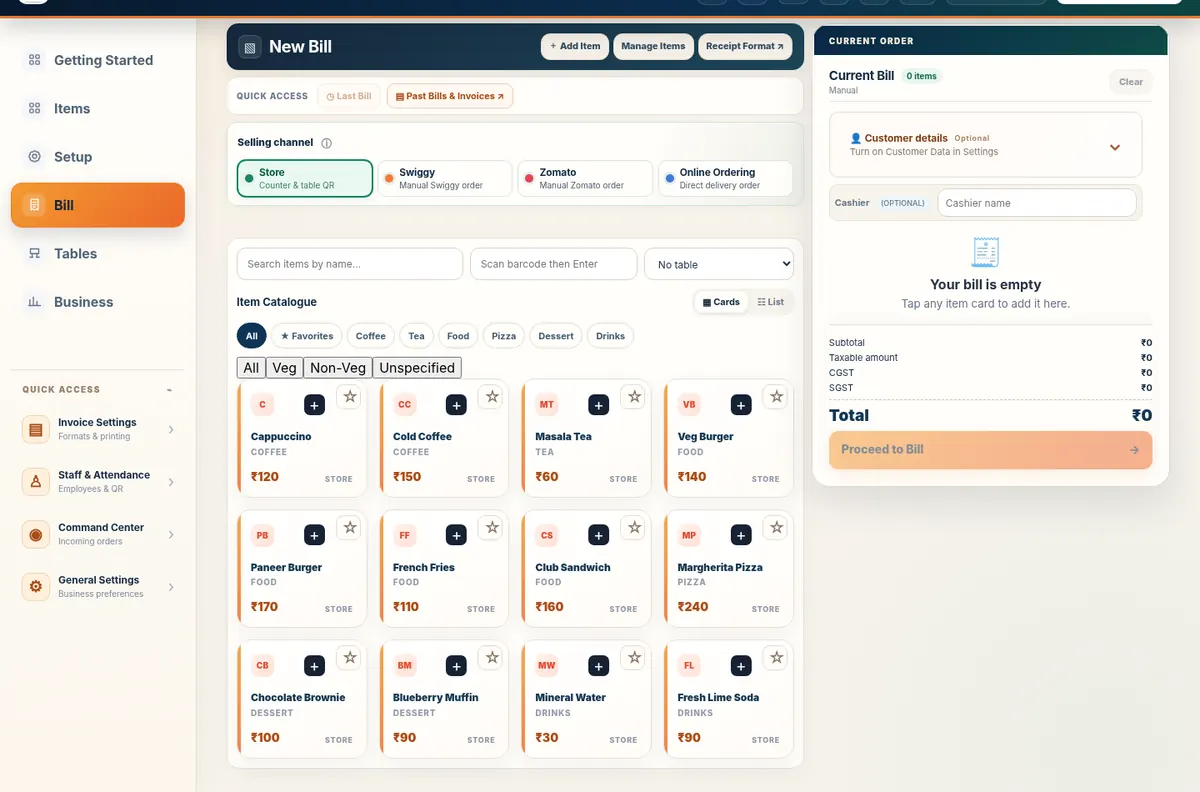
Real application capture using demo/sample data; your workspace may differ.
Product proof, not mockups
See what the actual application looks like
These are captured screens from the Free Restaurant Billing and Table QR Ordering application demos. They are separate from the decorative illustrations.
Your next steps
How it works
Accept a supported incoming food order.
Review the kitchen ticket and progress its preparation status.
Straight answers
Frequently asked questions
Is KDS part of the restaurant workflow?
Yes. It integrates with supported restaurant ordering operations.
Will every new order automatically appear?
Ticket delivery depends on the existing station and order configuration.
Make your workday simpler
Explore Kitchen Display and the other tools in Free Restaurant Billing.
Start Free BillingLearn and try
Explore the full workflow
Read a practical guide or try a no-login simulation using fictional records.
What is KOT in a restaurant?
A Kitchen Order Ticket instructs preparation, while the KDS displays and tracks supported tickets. Review accepted item quantities, table or token and order notes.