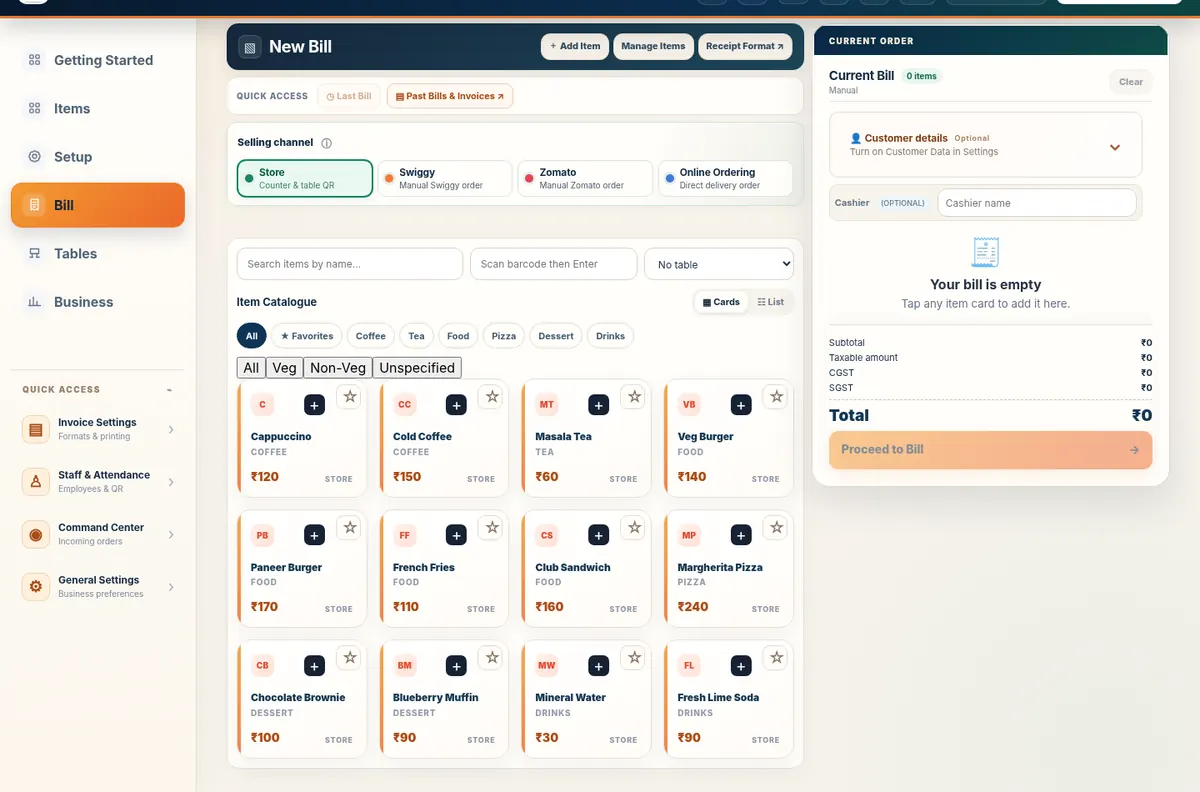
To create a GST tax invoice, first confirm that your business is GST-registered, then record supplier GSTIN and address, invoice date and number, buyer details when required, item descriptions, taxable values, applicable GST rates and tax totals. Review the invoice before issue and keep records according to current requirements.
GST billing generally refers to documents issued under applicable GST rules by a GST-registered supplier; a non-GST bill is a regular sales record without GST being charged. The correct document depends on the business’s registration and the nature of the supply—not just a toggle in billing software.
You can make a customer bill on a mobile phone by opening a browser-based billing application, setting up your business and items, selecting quantities and payments, and finalising a printable invoice. Confirm the phone, browser and printer combination before you depend on it during rush hour.
A small business can control its day by separating three records: what customers bought, what the business purchased from suppliers, and what cash or other payments were received. Connecting those records reduces forgotten deliveries and inaccurate margins.
Set up restaurant QR ordering by configuring your food menu, creating table-specific or storefront QR links, testing the customer view, confirming where orders appear for staff, and printing durable QR cards. Always test the full journey before placing codes on every table.
A kitchen display system (KDS) shows food-order tickets on a screen so kitchen staff can view incoming work and update preparation status. It replaces some handwritten handoffs, but restaurants still need an agreed workflow for acceptance, preparation and serving.
A connected restaurant workflow starts with a diner scanning a QR menu, continues through order review and kitchen preparation, and ends with service and billing. Each stage needs a clear owner so kitchen status and payment status do not become confused.
Reduce restaurant ordering errors by standardising menu names, capturing orders in one workflow, displaying clear kitchen tickets, verifying special requests and making responsibilities explicit. QR menus and kitchen screens help only when configuration and staff handoffs are kept accurate.
Manual billing can work for a very small number of simple sales, but software makes repeated item lookup, invoice formatting, transaction history and purchase tracking easier to organise. The right choice depends on shop volume, equipment and disciplined backups.